
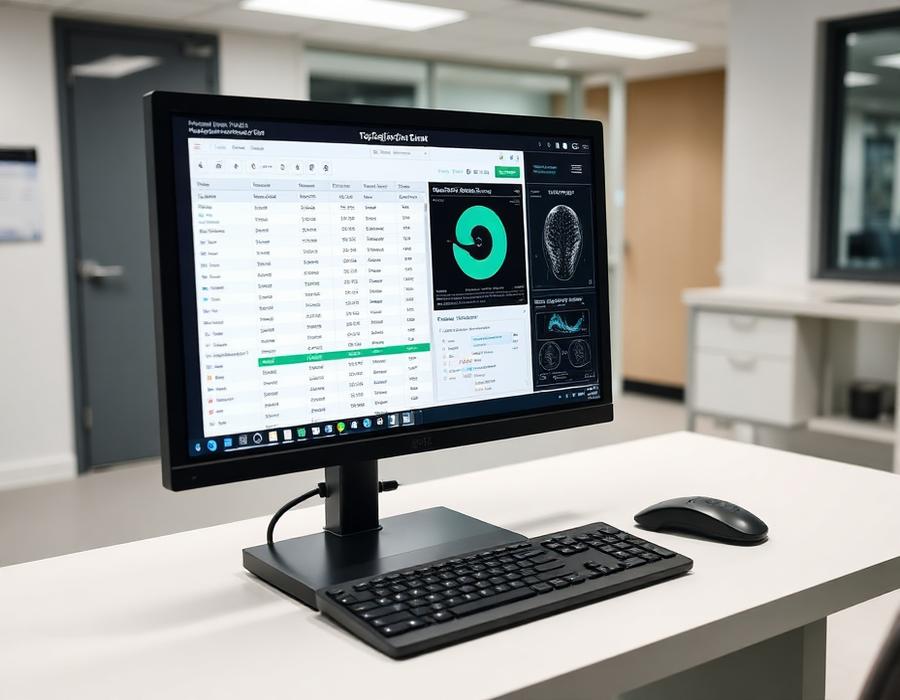
The four functions of a PACS
A Picture Archiving and Communication System acquires images from modalities, stores them durably, distributes them to viewers across the facility and supports the reporting workflow that turns images into signed reports.
Acquisition and the worklist
Modalities receive patient and examination details from a modality worklist rather than manual entry, which removes most identity and study-type errors. That worklist is usually supplied by a RIS or hospital information system.
Storage design
Plan storage against annual study volume, average study size and the retention period required by policy or regulation. Cross-sectional imaging dominates capacity planning; radiography contributes far less.
A workable design keeps recent studies on fast online storage, older studies on lower-cost storage, and maintains an off-site or cloud copy for disaster recovery.
Distribution and viewing
Diagnostic reporting needs calibrated displays and a full diagnostic viewer. Clinical review across wards and outpatient areas is better served by a zero-footprint web viewer, which avoids installing software on every clinical workstation.
Reporting, RIS and tele-radiology
RIS handles scheduling, examination tracking, reporting templates and departmental reporting; PACS handles the images. Cloud-based tele-radiology extends reporting to radiologists working remotely, which is valuable for after-hours cover and specialist sub-reporting.
Practical procurement checkpoints
Confirm DICOM and HL7 conformance, licence model, storage growth assumptions, backup and disaster recovery design, user access control, audit logging and the migration path for any existing image archive.
This guide is educational only. Specifications, availability and regulatory status are confirmed per quotation and per unit.